If
you are Bored with the same old login screen of Facebook and you want
to customize it just like the desktop of your computer then you must try
this chrome extension that lets you change the background image at the
time of login. Download Extension of Facebook Login Background Changer
Just Go to your profile or any other profile or any official page you want to use as an emotion or want to use the image in Facebook chat.
See the url and copy the username or if there is no username specified then copy the profile id. For example https://www.facebook.com/HackerIdeas. From this url you need to copyHackerIdeas
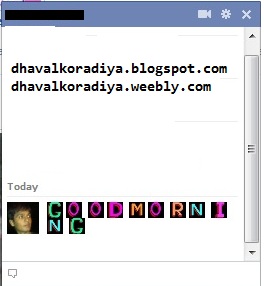
Just paste this in chat window within double brackets such
as [[HackerIdeas]] and send it to your friend then the profile
id associated with the username or profile id will show in chat box.